
Rearranging Copy Menu
You can rearrange the display order of the copy menu.
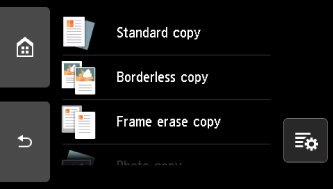
-
Select
 (Edit app menu) when the copy menu screen is displayed.
 -
Select Rearrange.
-
Select a menu to rearrange.
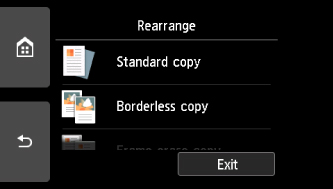
-
Select the direction you want to move to.
Ex: when Frame erase copy is selected.
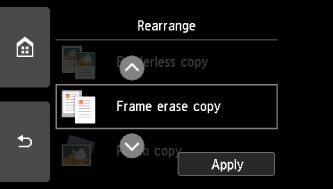
-
After moving the menu, select Apply.
-
Select Exit.
The touch screen returns to the copy menu screen.
